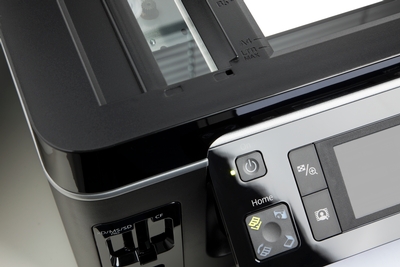
Spring is in the air. It’s time to shake off the dreariness of winter and start fresh with a clean, organized office to boost productivity. That means cleaning oft-forgotten spaces like the printer. Although printers are fairly self-sustaining, all manufacturers encourage printers be routinely cleaned to work properly and extend the life of the printer. A dusty, streaky printer tray affects print quality and can waste ink, so it’s important to keep it clean. At Pacific Office Automation, our goal is to make sure your printers are working for you, not against you. Here are some tips to keep your machine in tip-top shape:
First, remember to always turn the printer off before you attempt any cleaning and consult machine manuals for proper cleaning protocol. For your convenience, we offer digital copies of every manual for all of our products.
Use an air can to spray in and around the printer to eliminate dust. Dust is the No. 1 culprit for poor print quality.
Clean the glass tray. Put alcohol or Windex on a soft cloth, and gently clean the printer tray.
Run print cleaning cycles. Most multifunction printers have a self-cleaning function to clean print heads. You can purchase special cleaning sheets to run through laser printers.
Routinely cleaning the printer will prevent printing problems from interrupting your workflow processes. The most important part of printer cleaning is actually remembering to do so regularly. For reference, a good rule of thumb is to clean the printer every time you replace the toner.
At Pacific Office, we offer 24/7 printer service and maintenance. Contact us today for any questions on how to best take care of your printer.